_461938.png)
_89d3ab.png)
_78ef2e_1903c3.png)
_78ef2e.png)

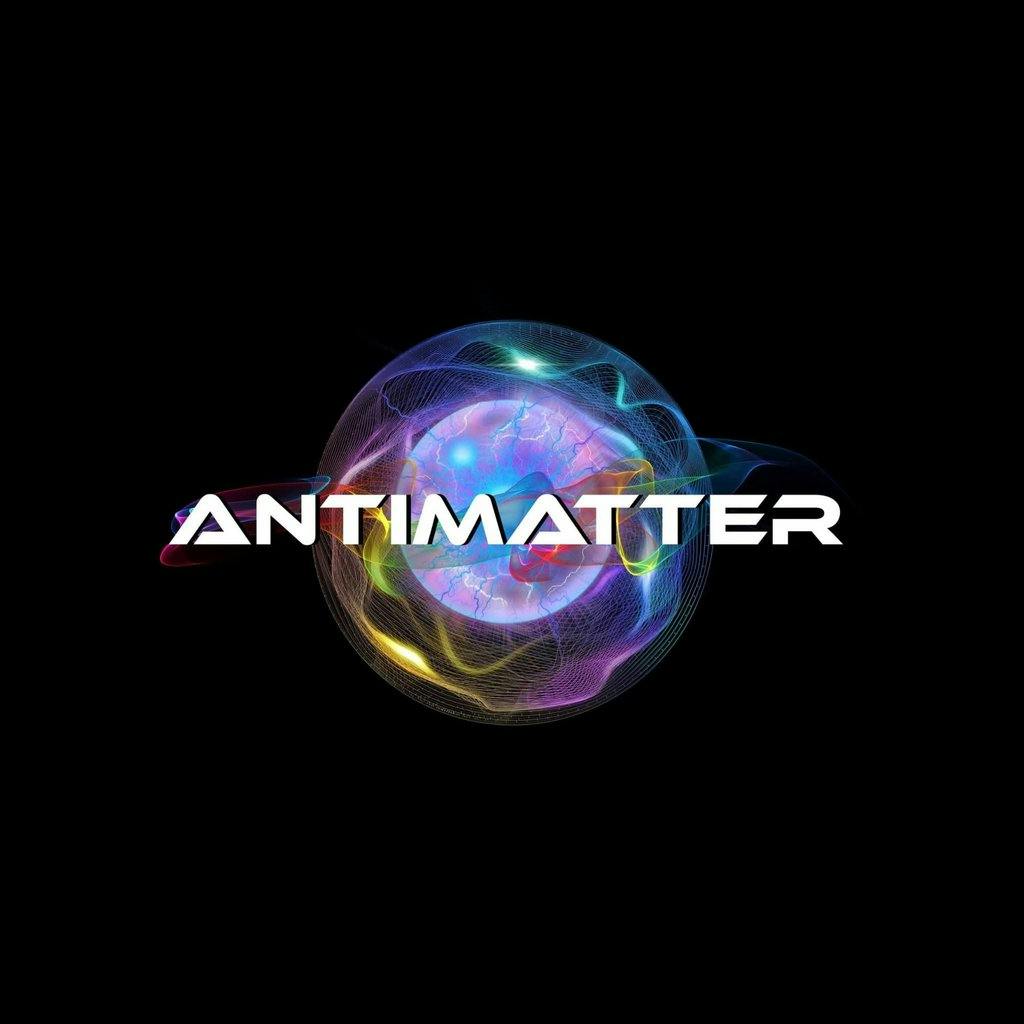
Antimatter Alien Invasion by Antimatter Bonanza and one big bash (Saturday 17th January 2026)

Event created by ClubTheWorld
Prepare for an out-of-this-world experience.
Join us for the most electrifying night of the year as Antimatter Alien Invasion lands with full force. This is not just a party — it’s a cosmic takeover.
Antimatter Alien Invasion
by Antimatter Bonanza & One Big Bash
Line-up
Slipmatt · Amber D · Kevin Energy · MC Wotsee · DJ Kurt · DJ Vibes · Kaylene Sc@r · Pulsar
Music Genres
Trance · Drum & Bass · Tech House · Hard House · Hardcore / Hardstyle
Immerse yourself in an intergalactic celebration with a truly massive line-up and mind-blowing production.
43 DJs commanding the decks.
11 MCs driving the energy from start to finish.
Entertainment Highlights
• 2 professional dancers delivering high-impact performances
• 5 circus performers adding a touch of the extraordinary
• Fire performers igniting the night
• Alien robots invading throughout the event
• Stalls packed with unique merchandise and cosmic goodies
• Alien-themed bar menu to fuel your journey
Expect professional lighting, lasers, and UV effects creating a hypnotic, other-worldly atmosphere, plus a dedicated media centre capturing every unforgettable moment.
This is a full-scale alien invasion. Miss it, and you’ll hear about it from another dimension.
Tickets
skiddle.com