_461938.png)
_89d3ab.png)
_78ef2e_1903c3.png)
_78ef2e.png)

House of Peach - New Years Day - Ministry of Sound

Event created by ClubTheWorld
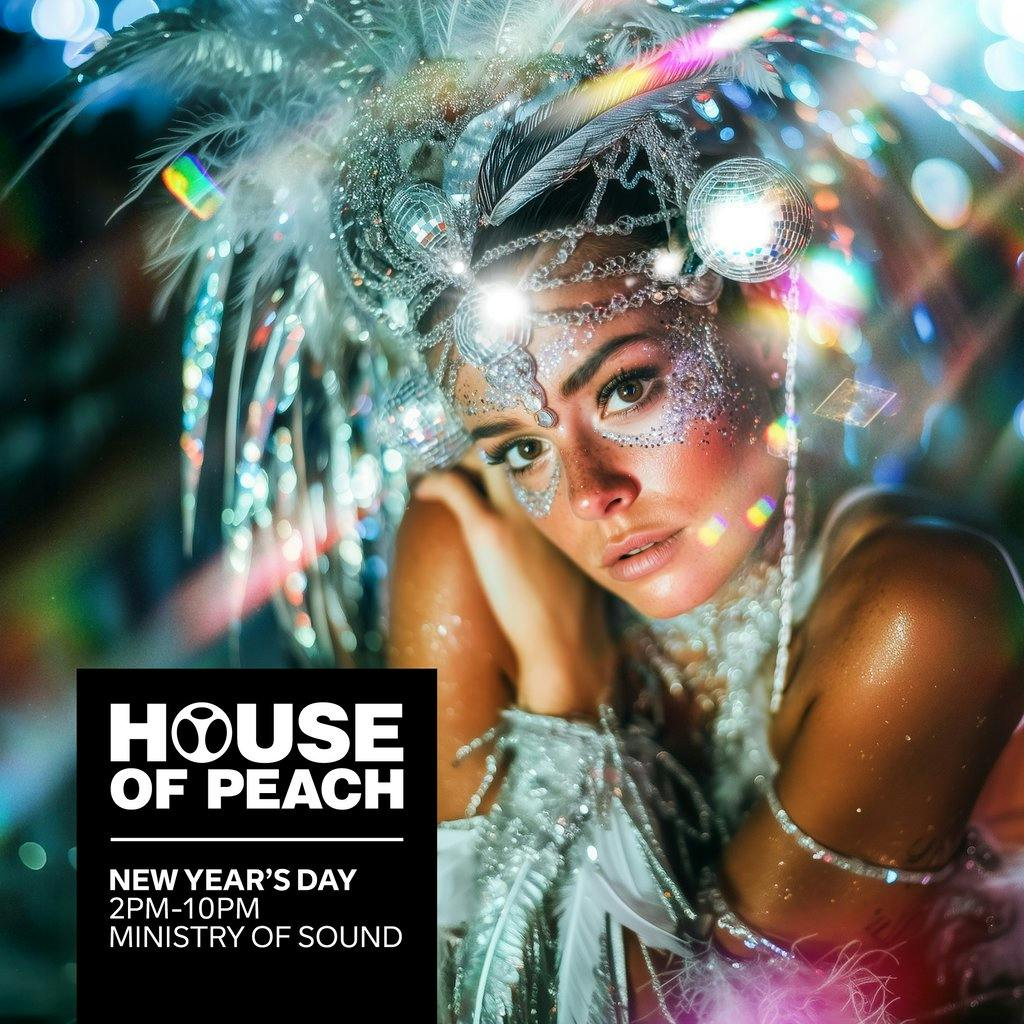
House of Peach – New Year’s Day 2026 | Ministry of Sound, London
2pm – 10pm
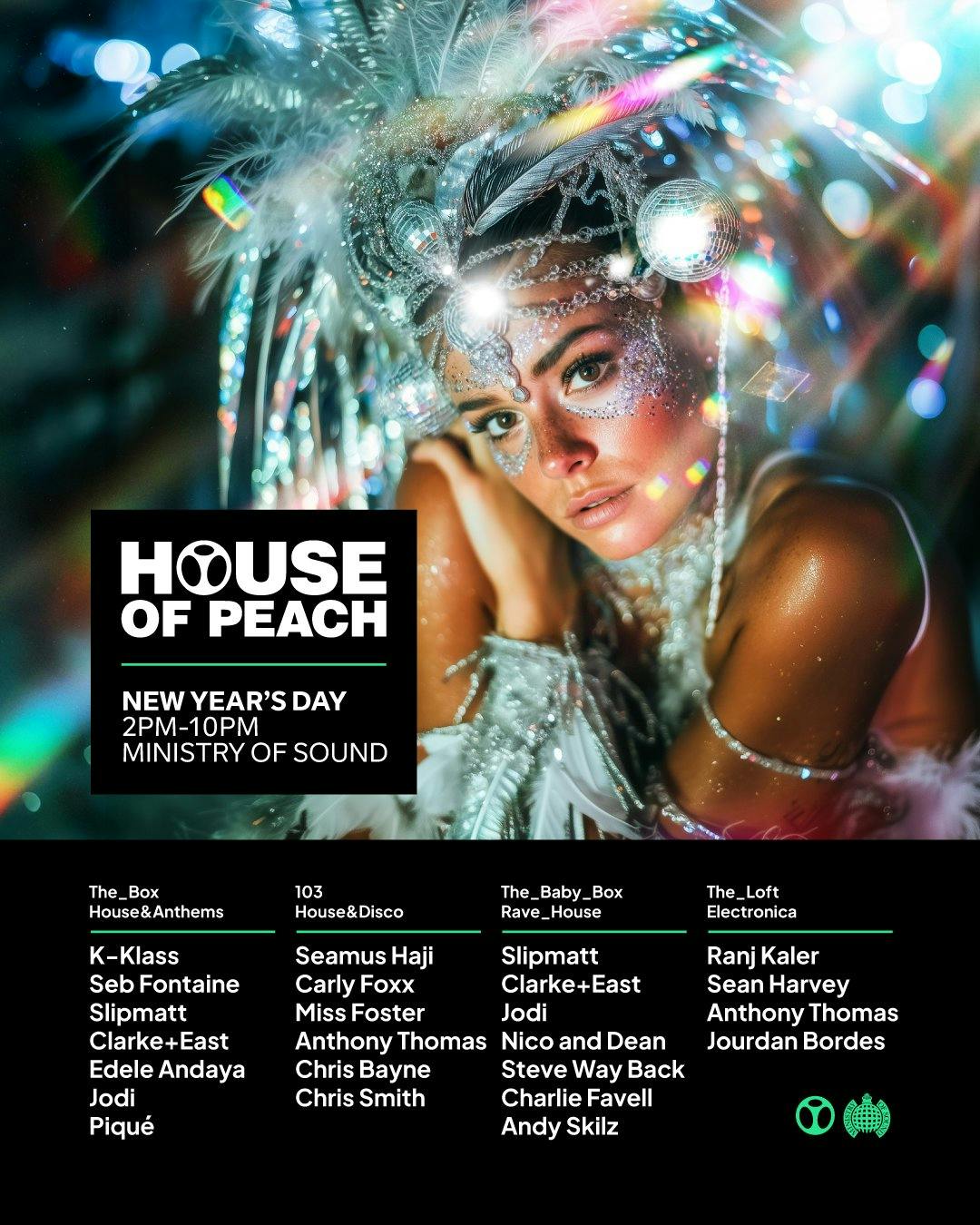
Kick off 2026 with an unmissable all-day clubbing experience as House of Peach takes over the legendary Ministry of Sound. Celebrating 33 years of one of London’s most iconic club brands, this is a gathering of the originators, the believers, and the DJs who defined a generation.
From house and disco to electronica, experience the sounds that shaped UK nightlife across four electrifying rooms:
The Box – House & Anthems
K-Klass | Seb Fontaine | Slipmatt | Clarke+East | Edele Andaya | Jodi | Piqué
103 – House & Disco
Seamus Haji | Carly Foxx | Miss Foster | Anthony Thomas | Chris Bayne | Chris Biscuit
The Baby Box – Rave House
Slipmatt | Clarke+East | Jodi | Nico & Dean | Steve Way Back | Charlie Favell | Andy Skilz
The Loft – Electronica
Ranj Kaler | Sean Harvey | Anthony Thomas | Jourdan Bordes
A celebration of heritage and hedonism, House of Peach delivers authentic, timeless, and unmistakably Peach vibes for a daytime New Year’s party you won’t forget.
Tickets
skiddle.com
House of Peach - New Years Day - Ministry of Sound at Min...
Flyer