_461938.png)
_89d3ab.png)
_78ef2e_1903c3.png)
_78ef2e.png)
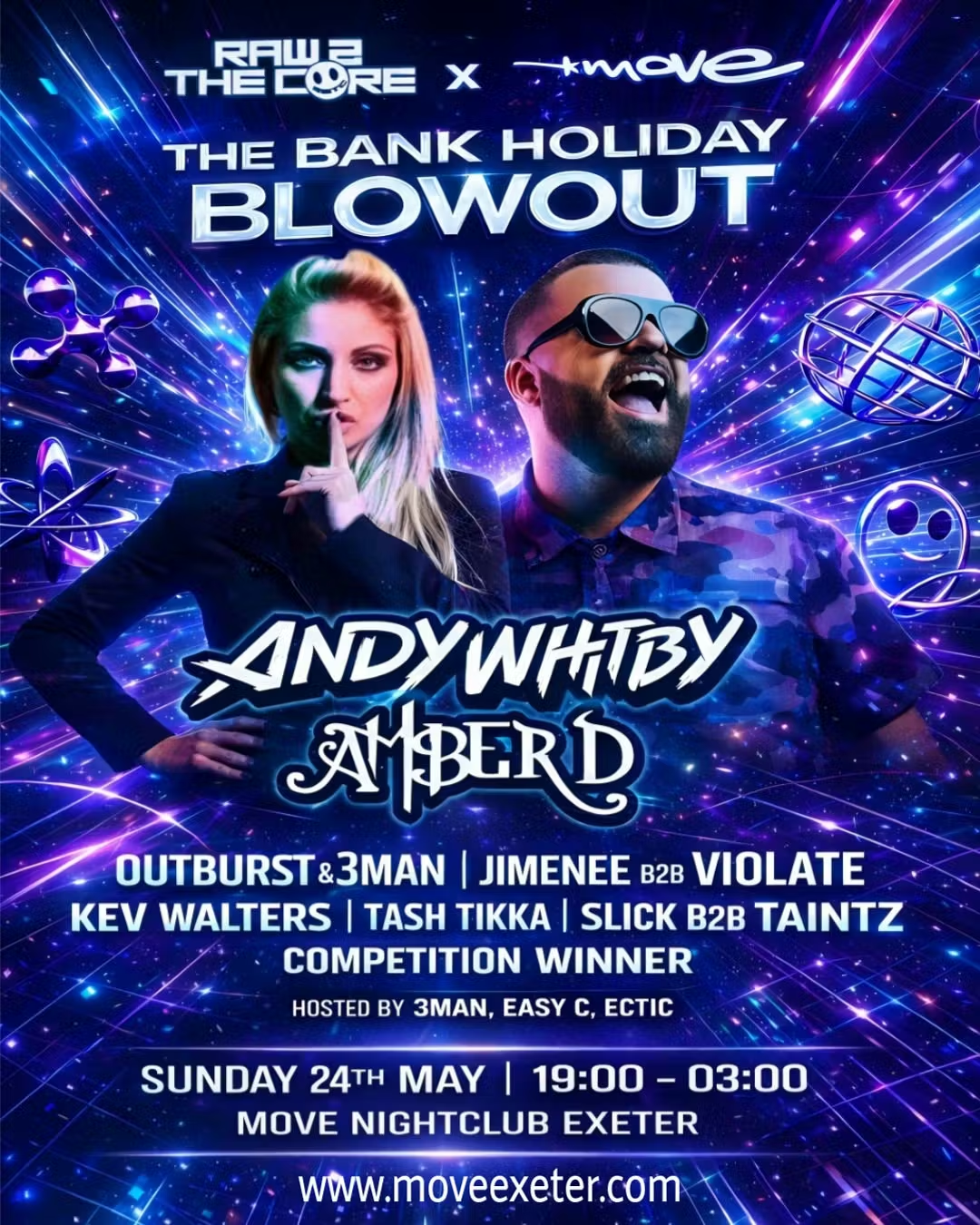
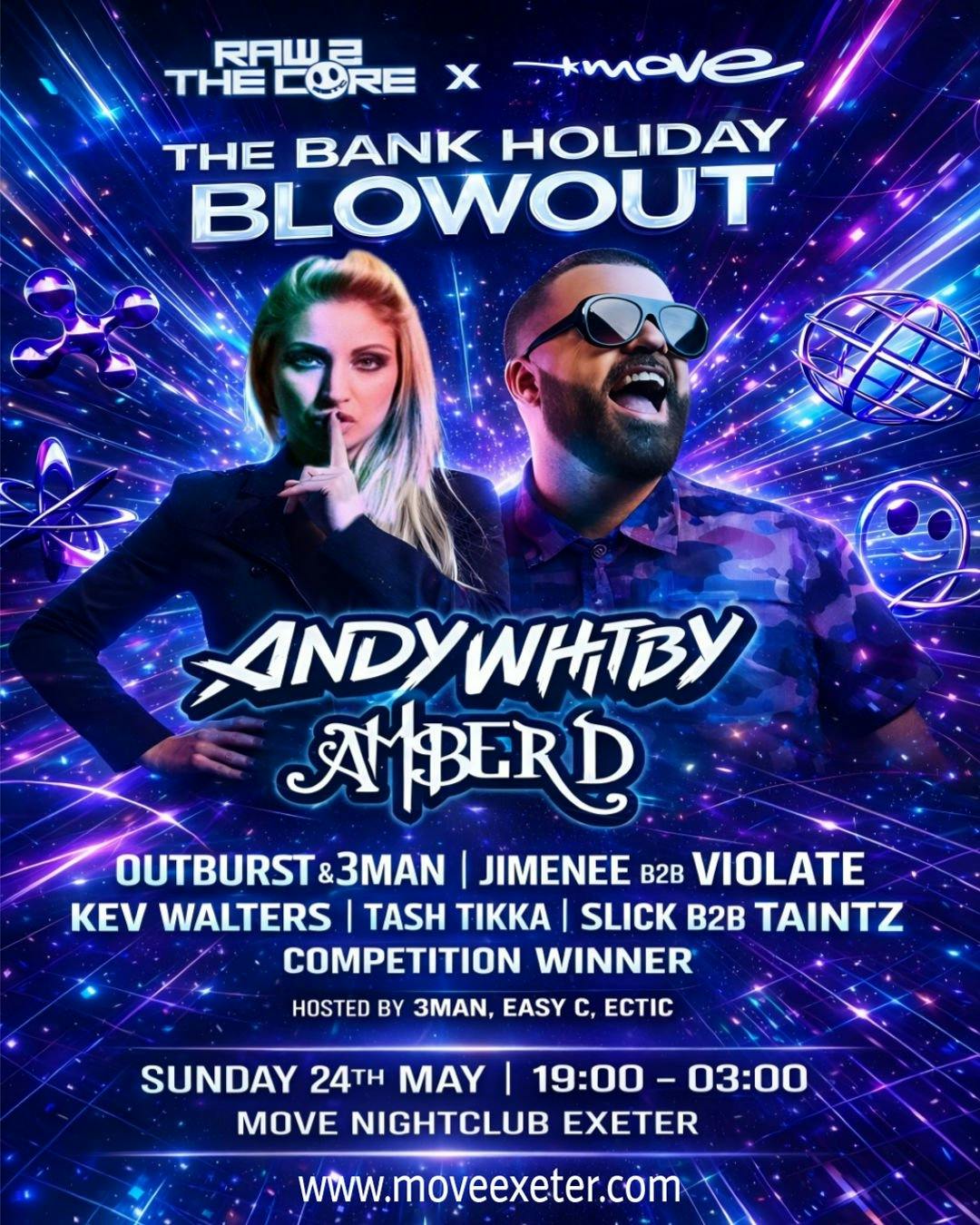
[ Andy Whitby + Amber D ] Raw2TheCore @Move, Exeter (Bank Holiday Sunday 24th May 2026)

Event created by ClubTheWorld
Save the Date: May Bank Holiday Blowout!
Raw 2 The Core and Move are back with their only 2026 collaboration, and it’s set to be epic!
R2TC X MOVE Presents: The Bank Holiday Blowout
📅 Sunday, 24th May 2026
📍 Move Nightclub, Exeter – 4 The Quay, EX2 4AP
This is one big show per year, so you know it’s not to be missed. The legendary Andy Whitby returns to Exeter, bringing his unrivaled bounce energy to the southwest for the first time in years! Joining him is the iconic Amber D, a global hard dance powerhouse with over 20 years in the scene, releasing on labels like Tidy Trax, Kiddfectious, and Riot!
Lineup:
Andy Whitby
Amber D
Outburst & 3MAN
Jimenee & Violate
Kev Walters
Tash Tikka
Slick & Taintz
Competition Winner
Hosted by: 3MAN, Easy C & Ectic
We’re also running a DJ competition giving emerging DJs the chance to open the night and show off their skills to R2TC fans and promoters – a perfect opportunity to make your mark!
Music Styles: Hard House | Hardcore/Hardstyle | Hard Dance | Bounce
🎟 Early bird tickets are live now via Skiddle, Fixr, and Fatsoma. These will sell fast – don’t miss the ultimate bank holiday rave experience!
R2TC X MOVE – bringing the true rave energy back to Exeter! 🔊😎🙌
Tickets
skiddle.com
Raw2TheCore: Andy Whitby + Amber D | Move Exeter 24.05.26...
Flyer