_461938.png)
_89d3ab.png)
_78ef2e_1903c3.png)
_78ef2e.png)
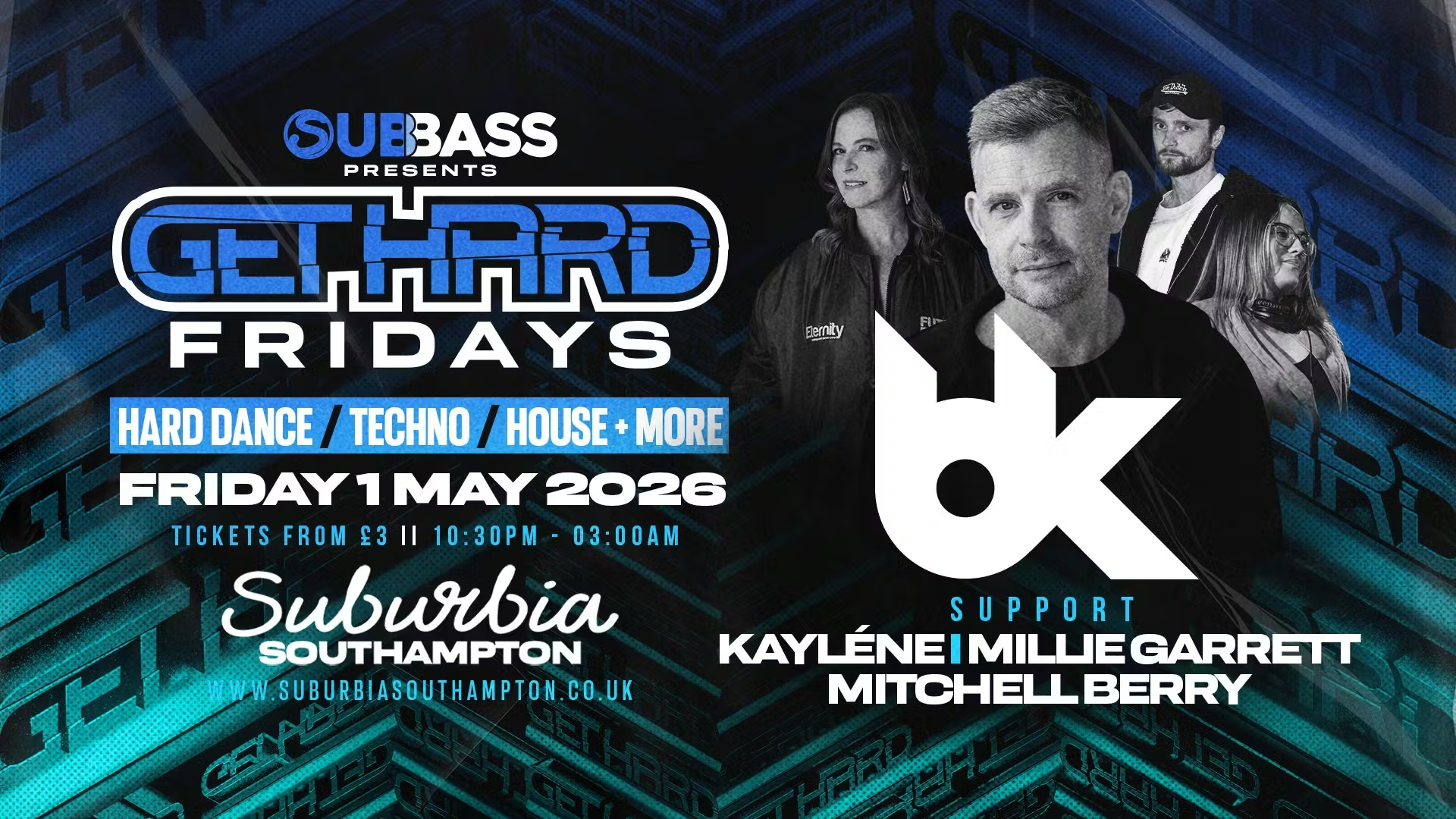
SubBass Presents: Get Hard Fridays with BK (Friday 1st May 2026)

Event created by ClubTheWorld
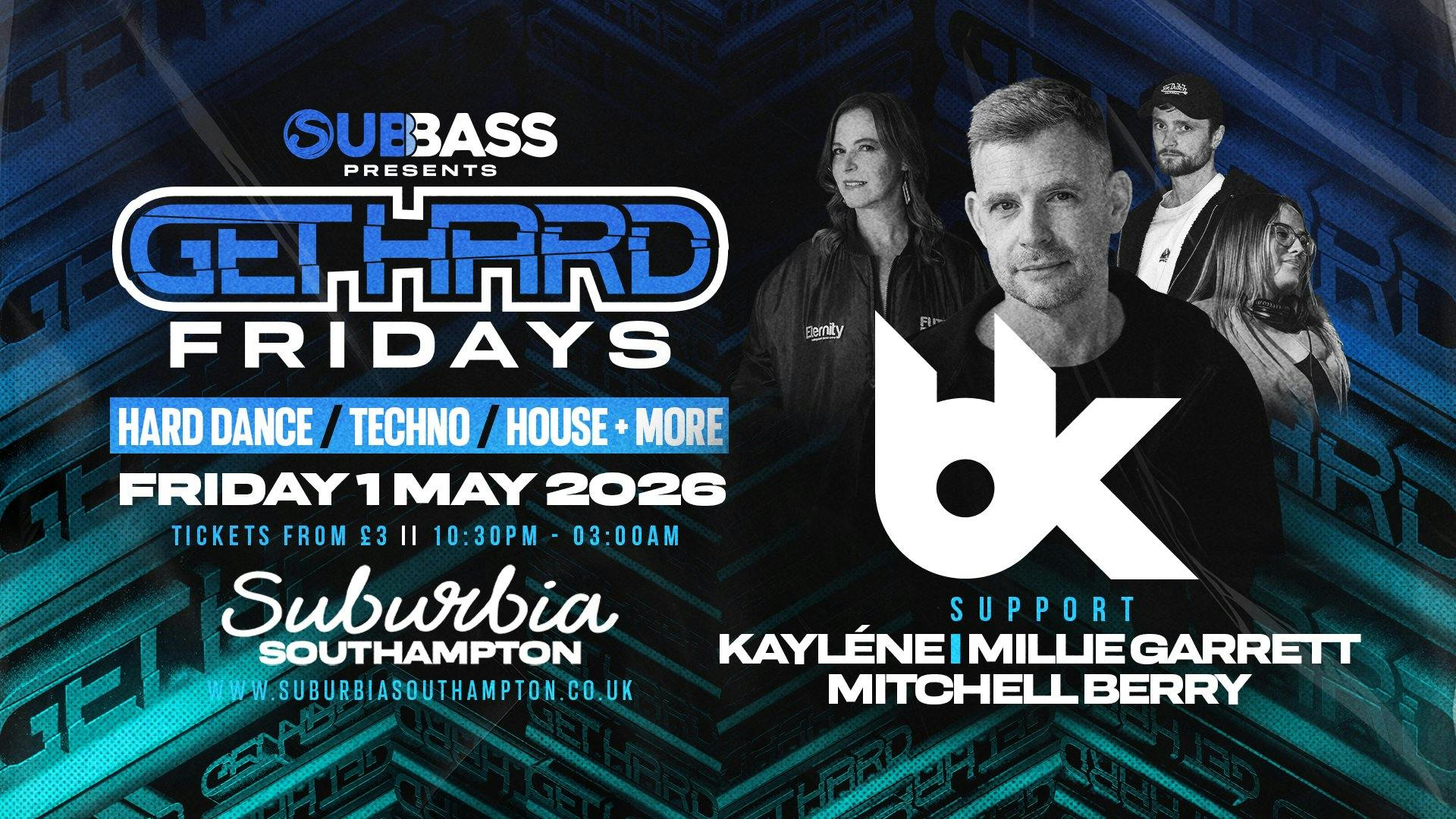
BK lands at Suburbia Southampton!
SubBass Presents: Get Hard Fridays w/ BK
📅 Friday 1st May 2026
🕥 10:30PM – 3:00AM
📍 Suburbia, Southampton
SubBass cranks the pressure up once again as Get Hard Fridays welcomes one of the most iconic names in hard dance history — BK.
A true architect of the UK hard house and techno sound, BK has spent decades demolishing dancefloors worldwide with relentless energy, precision mixing, and unmistakable drive. On Friday 1st May, that raw, no-compromise sound hits Suburbia Southampton for a night built on power, pace, and pure rave intensity.
Expect pounding basslines, rolling techno grooves, and hands-in-the-air moments from start to finish, backed by the unmistakable Get Hard Fridays atmosphere.
Line-up
BK
SubBass residents
Music Genres
House | Techno | Hard Dance
What to expect
• Full-force headline set from BK
• Heavy SubBass sound system & immersive visuals
• Resident support delivering hard house, tech & bass
• Proper underground rave energy
This is one for the real heads — loud, fast, and uncompromising.
🎟️ Tickets: Early Birds on sale now. Secure yours early.
Venue Address
Suburbia
27–29 Onslow Road
Southampton
SO14 0JD
Tickets
skiddle.com
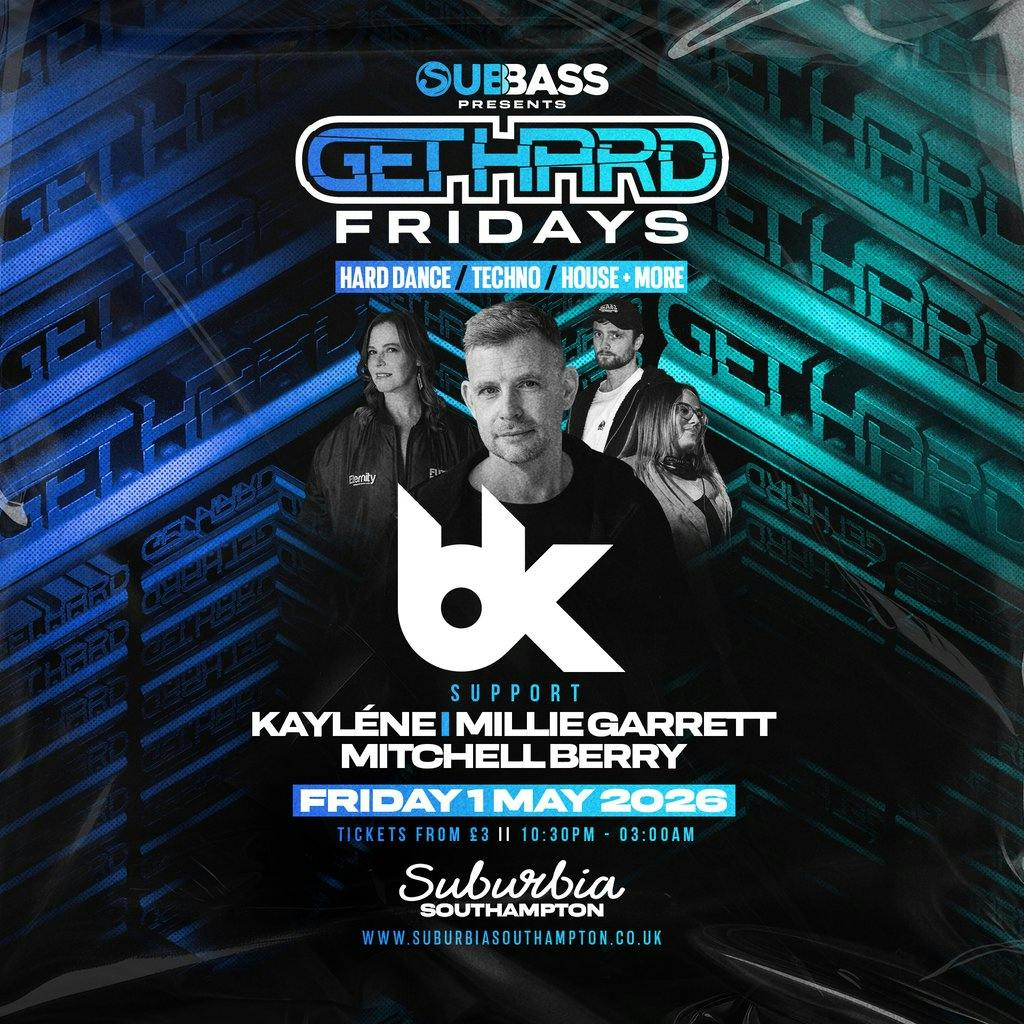
SubBass Presents: Get Hard Fridays with BK at Suburbia So...
Flyer