Jump to content
View in the app

A better way to browse. Learn more.

ClubTheWorld

A full-screen app on your home screen with push notifications, badges and more.

To install this app on iOS and iPadOS
  1. Tap the Share icon in Safari
  2. Scroll the menu and tap Add to Home Screen.
  3. Tap Add in the top-right corner.
To install this app on Android
  1. Tap the 3-dot menu (⋮) in the top-right corner of the browser.
  2. Tap Add to Home screen or Install app.
  3. Confirm by tapping Install.

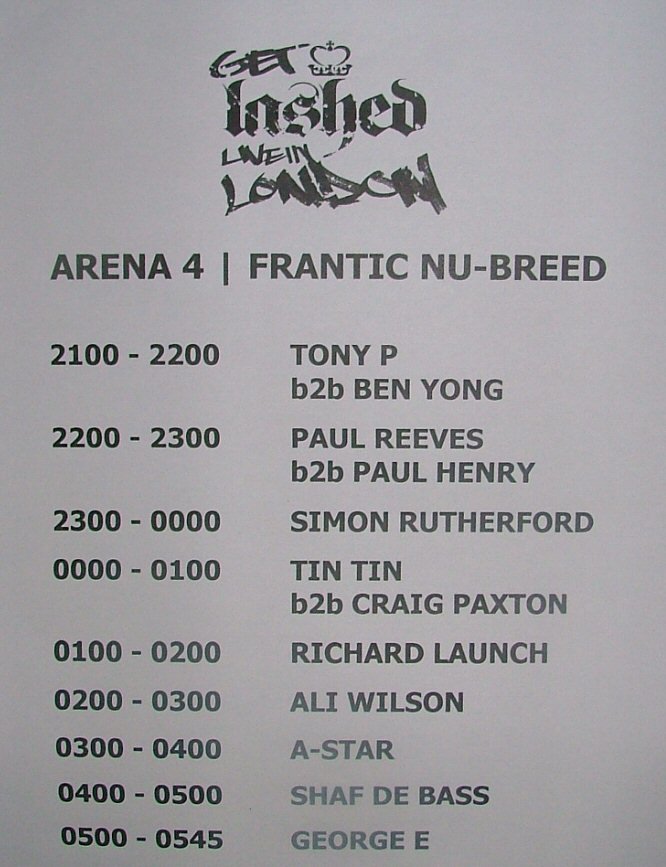
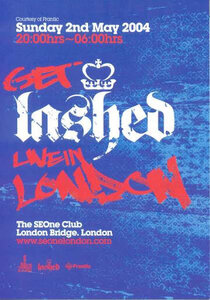
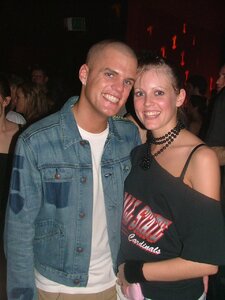
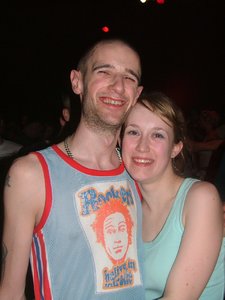
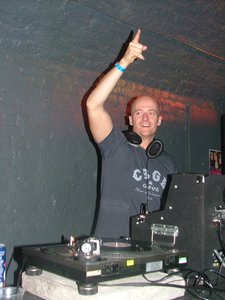
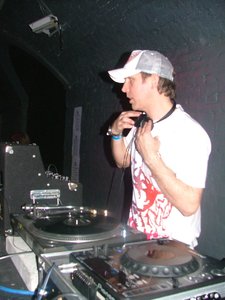
Get Lashed Live in London

ARENA 4 | FRANTIC NU-BREED

21:00 – 22:00
@Tony P
b2b BEN YONG

22:00 – 23:00
PAUL REEVES
b2b PAUL HENRY

23:00 – 00:00
SIMON RUTHERFORD

00:00 – 01:00
TIN TIN
b2b CRAIG PAXTON

01:00 – 02:00
RICHARD LAUNCH

02:00 – 03:00
ALI WILSON

03:00 – 04:00
A-STAR

04:00 – 05:00
SHAF DE BASS

05:00 – 05:45
GEORGE E

Credit

James

Copyright

© ClubTheWorld

  • Photo Information

    • Taken with FUJIFILM FinePix S5000
    • Focal Length 5.7 mm
    • Exposure Time 10/600
    • Aperture f/2.8
    • ISO Speed 200
    image.png
    Clubbing the world together ...

    Configure browser push notifications

    Chrome (Android)
    1. Tap the lock icon next to the address bar.
    2. Tap Permissions → Notifications.
    3. Adjust your preference.
    Chrome (Desktop)
    1. Click the padlock icon in the address bar.
    2. Select Site settings.
    3. Find Notifications and adjust your preference.