_461938.png)
_89d3ab.png)
_78ef2e_1903c3.png)
_78ef2e.png)
Absynth #Absynth
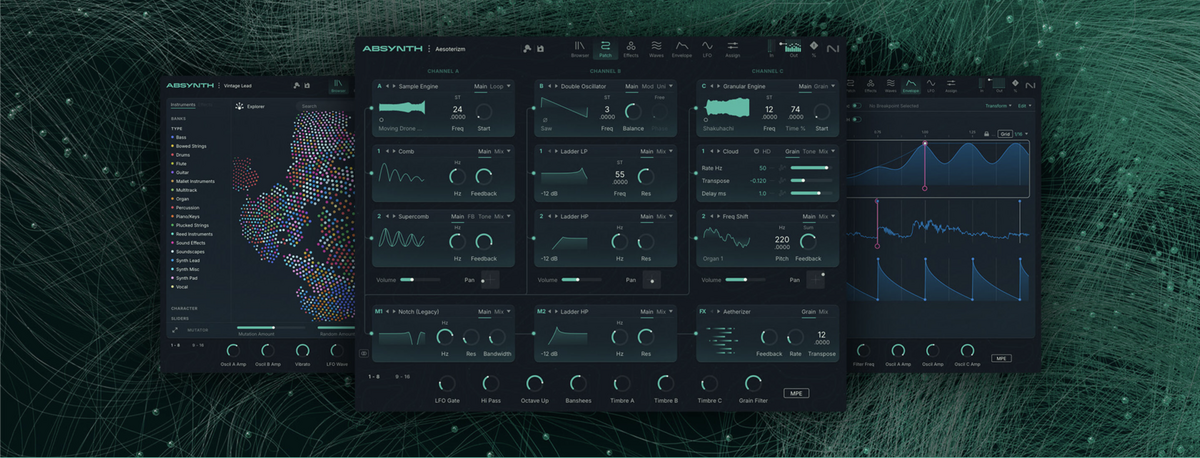
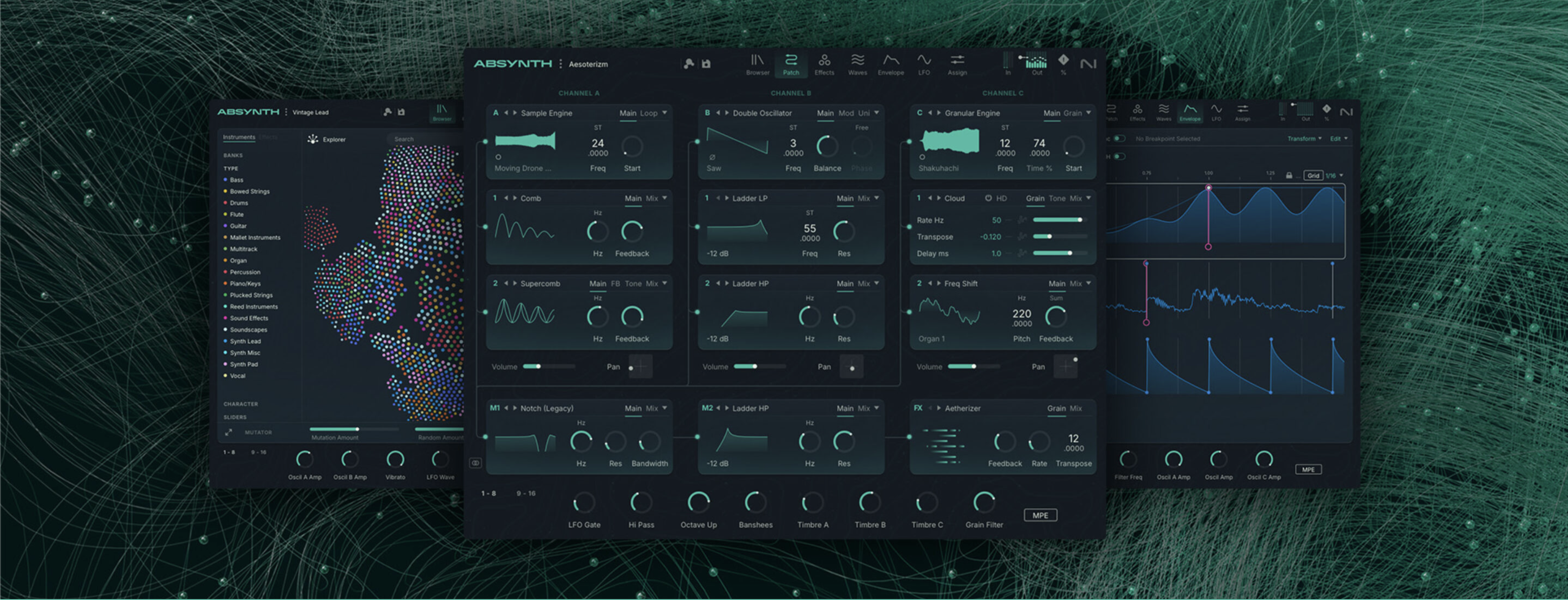
Absynth began life as one of the most distinctive software synths ever created, a semi-modular hybrid of wavetable, sampling, granular, and FM ideas that let sounds evolve like living organisms. Its trademark was the long, sculptable envelopes that allowed pads to bloom over minutes, plucks to morph unexpectedly, and atmospheres to drift into uncanny territory - making it a favourite of ambient producers and film composers who wanted something stranger and more expressive than conventional subtractive synths. After being discontinued, Absynth’s absence became part of its legend, a ghost in the history of softsynths. Now Absynth 6 has arrived, bringing the old spirit into the modern age: the same surreal sound-design philosophy, but refreshed with a modern interface, updated processing, contemporary CPU optimisation, and expanded expressive features such as MPE support. It’s essentially the return of an artefact from electronic music’s dreamworld, restored and re-awakened for today’s producers who crave evolving textures, cinematic movement, and the peculiar magic Absynth was always known for.
-
- 1 comment
- 152 views

.thumb.png.2dfaf87414ac2876bb61f0e8015e8b1a.png)