_461938.png)
_89d3ab.png)
_78ef2e_1903c3.png)
_78ef2e.png)
Arturia Pigments #Arturia Pigments
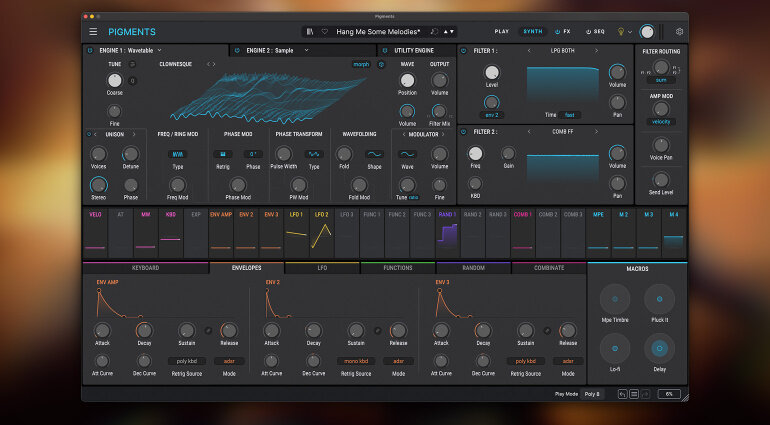
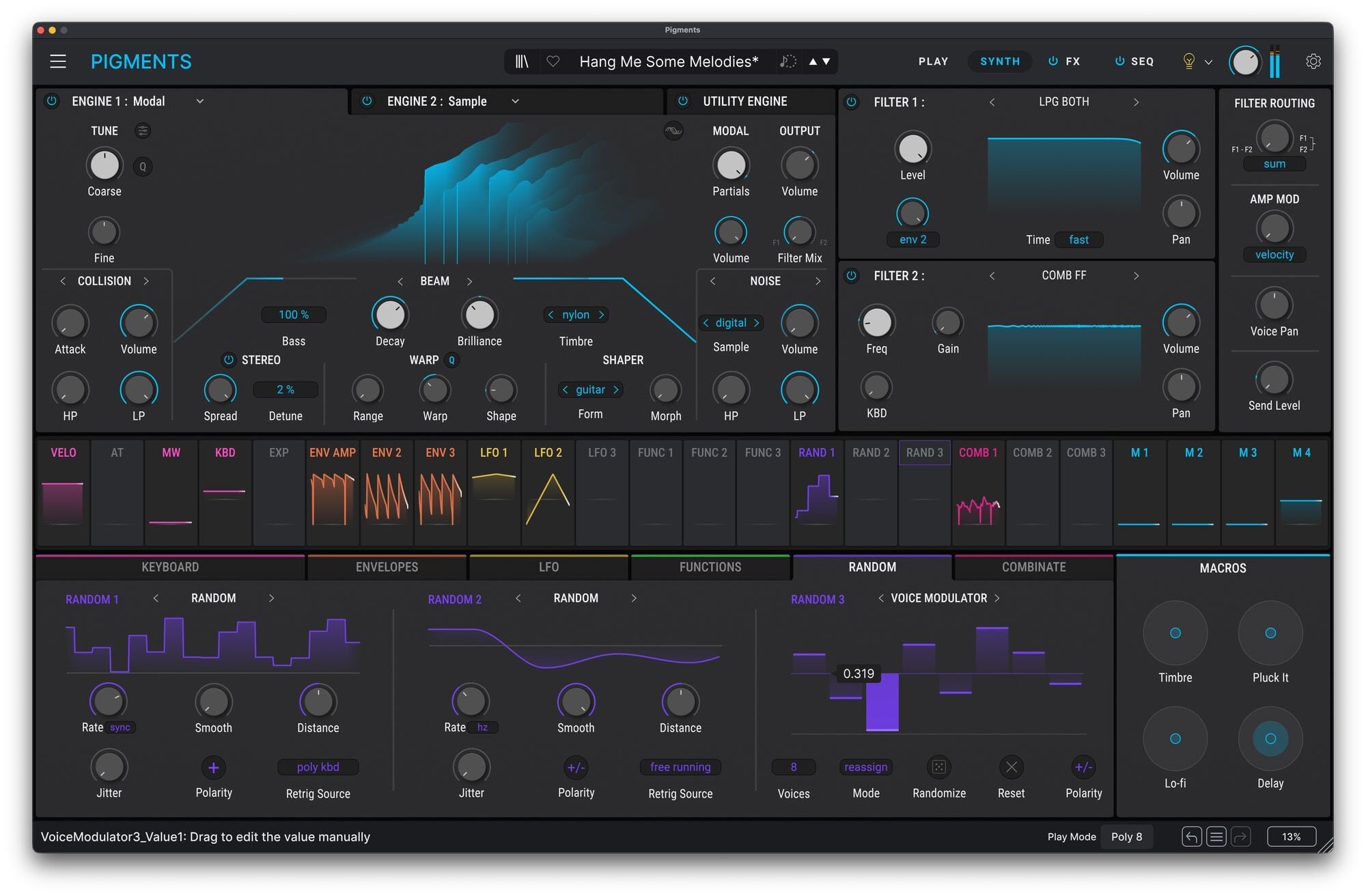
Arturia Pigments is a modern software synthesizer that blends multiple synthesis engines into one deceptively friendly interface, making it equally at home with sound designers and musicians who just want to make something beautiful quickly. It combines wavetable, virtual analog, sample, granular, and additive-style harmonic engines, all of which can be layered and modulated in surprisingly deep ways without feeling like a cockpit full of switches. The real magic is how visual it is: modulation paths light up, envelopes and LFOs animate, and you can literally see the sound evolve as you shape it. Pigments also comes loaded with high-quality filters borrowed from Arturia’s vintage emulations, a generous effects section, and a modulation system that encourages experimentation rather than punishment. The result is a synth that feels both serious and playful, capable of razor-sharp basses, lush cinematic pads, glitchy textures, and polite bread-and-butter sounds that behave themselves when needed.
-
- 1 comment
- 152 views
-
- 1 comment
- 125 views
.thumb.png.2dfaf87414ac2876bb61f0e8015e8b1a.png)