_461938.png)
_89d3ab.png)
_78ef2e_1903c3.png)
_78ef2e.png)
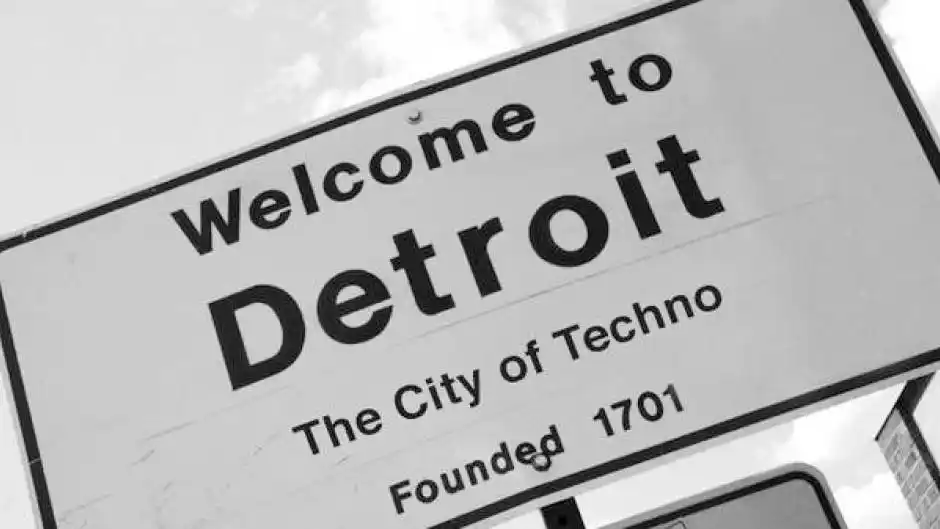
Detroit Techno #detroit techno
Detroit techno feels like a city whispering through circuitry. It’s music born in the after-hours glow of a place wrestling with decay and dreaming of futures that never quite arrive. The pioneers—Juan Atkins, Derrick May, Kevin Saunderson—did this alchemical trick where they took the pulse of Motown, the machine rhythm of factories, the philosophy of Afrofuturism, and the raw curiosity of early electronic gear, and fused it into something sleek, propulsive, and strangely spiritual. The beats tend to be clean and minimal, but there’s a melancholy woven through them, like chrome catching the last light of a winter afternoon. Detroit techno isn’t just dance music; it’s a manifesto disguised as kick drums and synth stabs, pointing toward a world where humanity and technology aren’t enemies but dance partners. It still echoes today in every genre that loves a good machine groove, and in every producer trying to capture a sense of motion, survival, and hope.
-
- 1 comment
- 129 views
-
- 3 comments
- 287 views
.thumb.png.2dfaf87414ac2876bb61f0e8015e8b1a.png)