Jump to content
View in the app

A better way to browse. Learn more.

ClubTheWorld

A full-screen app on your home screen with push notifications, badges and more.

To install this app on iOS and iPadOS
  1. Tap the Share icon in Safari
  2. Scroll the menu and tap Add to Home Screen.
  3. Tap Add in the top-right corner.
To install this app on Android
  1. Tap the 3-dot menu (⋮) in the top-right corner of the browser.
  2. Tap Add to Home screen or Install app.
  3. Confirm by tapping Install.

Serato Studio #Serato Studio

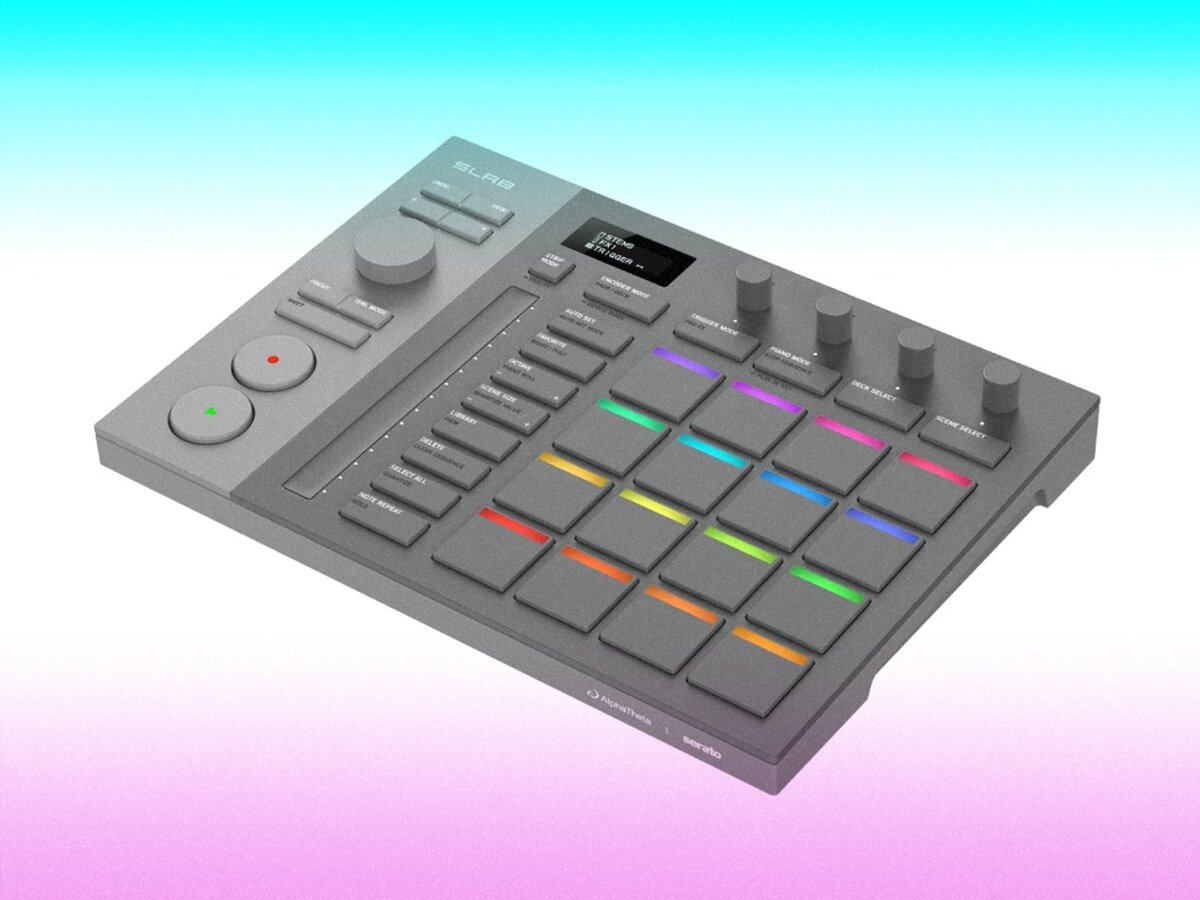
Serato Studio is one of those delightful bits of software that feels like it was designed for people who want to make music now, not after a three-week pilgrimage through menus and manuals. It borrows the intuitiveness of DJ workflows—cue points, crates, stems—and smuggles them straight into a production environment. The result is a kind of creative trampoline: you bounce in, throw ideas around, and somehow land on a beat that sounds finished enough to show your mates.
image.png
Clubbing the world together ...

Configure browser push notifications

Chrome (Android)
  1. Tap the lock icon next to the address bar.
  2. Tap Permissions → Notifications.
  3. Adjust your preference.
Chrome (Desktop)
  1. Click the padlock icon in the address bar.
  2. Select Site settings.
  3. Find Notifications and adjust your preference.