_461938.png)
_89d3ab.png)
_78ef2e_1903c3.png)
_78ef2e.png)
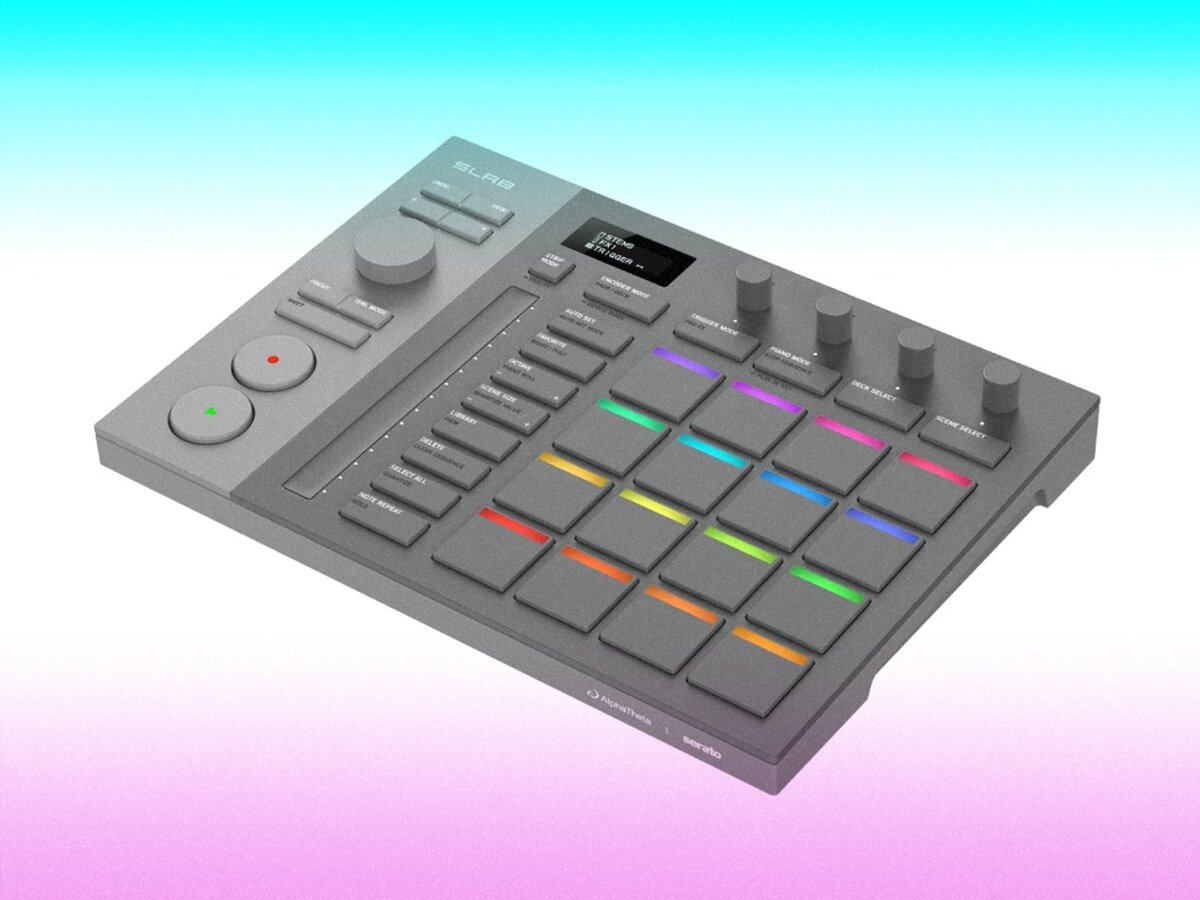
SLAB #SLAB
SLAB takes Serato’s playful, fast-flowing approach to music creation and channels it into a dedicated sampling instrument that feels both tactile and immediate. Instead of the usual overly technical sampler vibe, it behaves more like a creative playground: you drag in audio, slice it, flip it, stretch it, and perform it live without ever breaking momentum. It blends the hands-on feel of classic pad-based hardware with the intuitive workflow Serato is known for, encouraging those happy accidents where a rough chop suddenly becomes the perfect groove. The whole thing feels like Serato asking what would happen if sampling were as spontaneous and musical as DJing — and the answer is a device that turns even small sparks of sound into full-blown ideas with almost no friction.
-
- 1 comment
- 134 views
-
- 1 comment
- 119 views