Jump to content
View in the app

A better way to browse. Learn more.

ClubTheWorld

A full-screen app on your home screen with push notifications, badges and more.

To install this app on iOS and iPadOS
  1. Tap the Share icon in Safari
  2. Scroll the menu and tap Add to Home Screen.
  3. Tap Add in the top-right corner.
To install this app on Android
  1. Tap the 3-dot menu (⋮) in the top-right corner of the browser.
  2. Tap Add to Home screen or Install app.
  3. Confirm by tapping Install.

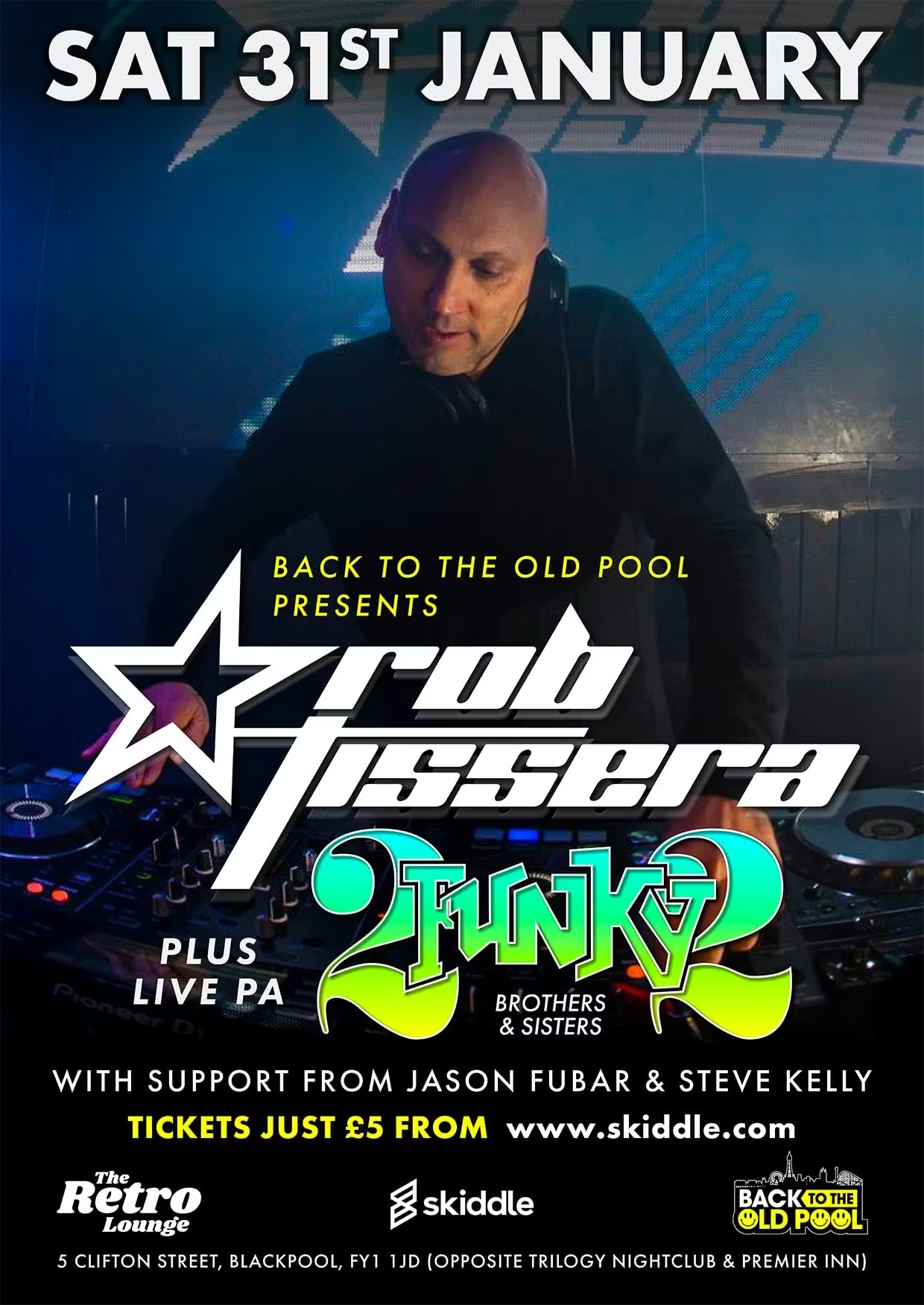
The Retro Lounge #The Retro Lounge

The Retro Lounge is all about celebrating the golden eras of club culture, bringing together the sounds, DJs, and atmosphere that defined dancefloors from the late ’80s through the ’90s and beyond. Known for its feel-good vibe and crowd-pleasing selections, it champions classic house, old skool, and retro anthems that spark instant nostalgia while still hitting hard on a modern system. It’s a space where seasoned ravers and new faces mix easily, united by hands-in-the-air moments, familiar hooks, and the simple joy of properly timeless dance music.
image.png
Clubbing the world together ...

Configure browser push notifications

Chrome (Android)
  1. Tap the lock icon next to the address bar.
  2. Tap Permissions → Notifications.
  3. Adjust your preference.
Chrome (Desktop)
  1. Click the padlock icon in the address bar.
  2. Select Site settings.
  3. Find Notifications and adjust your preference.