_461938.png)
_89d3ab.png)
_78ef2e_1903c3.png)
_78ef2e.png)
Tidy Girls 25 (Saturday 30th November 2024)

Event created by James
About
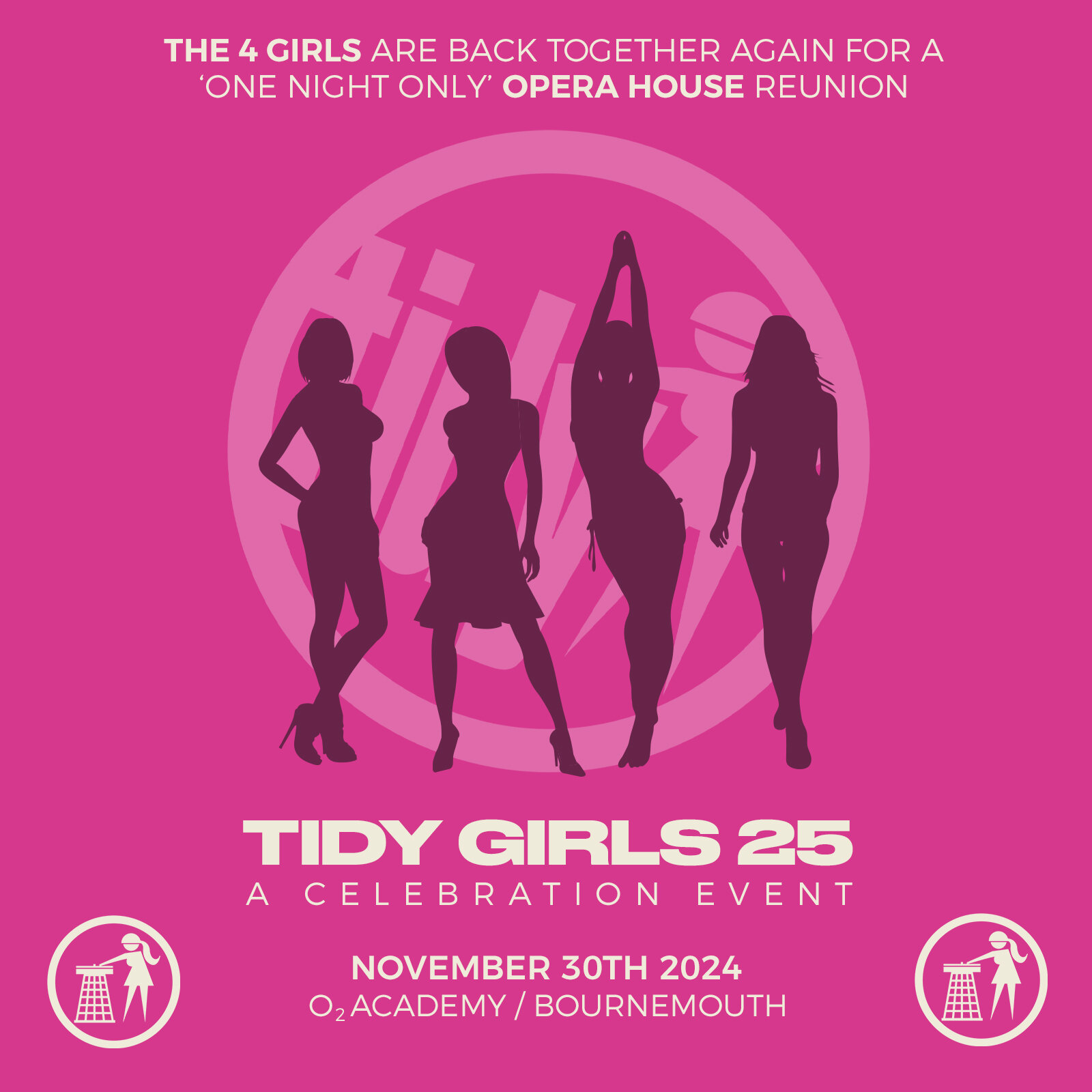
Tidy presents Tidy Girls 25 at the O2 Academy Bournemouth. Celebrating 25 years of the Tidy Girls.
25 years ago one of the biggest hard house EPs ever was released. It feature 4 female DJs and 4 brand new tracks that would be become iconic and synonymous with Tidy Trax and the hard house scene. Lisa Lashes, Anne Savage, Lisa Pin-Up and Rachel Auburn went into the Tidy studios in early 1999 with Amadeus Mozart, Andy Pickles and Paul Janes, and on May 5th the Tidy Girls EP was released. 25 years on we now get ready to celebrate that release with, brand new remixes of the original 4 tracks by some of the worlds biggest female DJs of today, plus the original girls are going back in the studio to make 4 brand new tracks to be released on Tidy later in the year.
On November 30th the celebration comes to a climax with a massive event at everyones favourite venue, the old Opera House in Bournemouth (O2 Academy). This is where the girls reunite for one night only, with the Tidy Boys also appearing as it’s their 25th anniversary too. Andy and Amo became the Tidy Boys in the summer of 1999.
For more information on the Tidy Girls 25 event
Tickets
https://www.skiddle.com/whats-on/Bournemouth/O2-Academy-Bournemouth/Tidy-Girls-25/38181324/
Soundcloud
Flyer