_461938.png)
_89d3ab.png)
_78ef2e_1903c3.png)
_78ef2e.png)
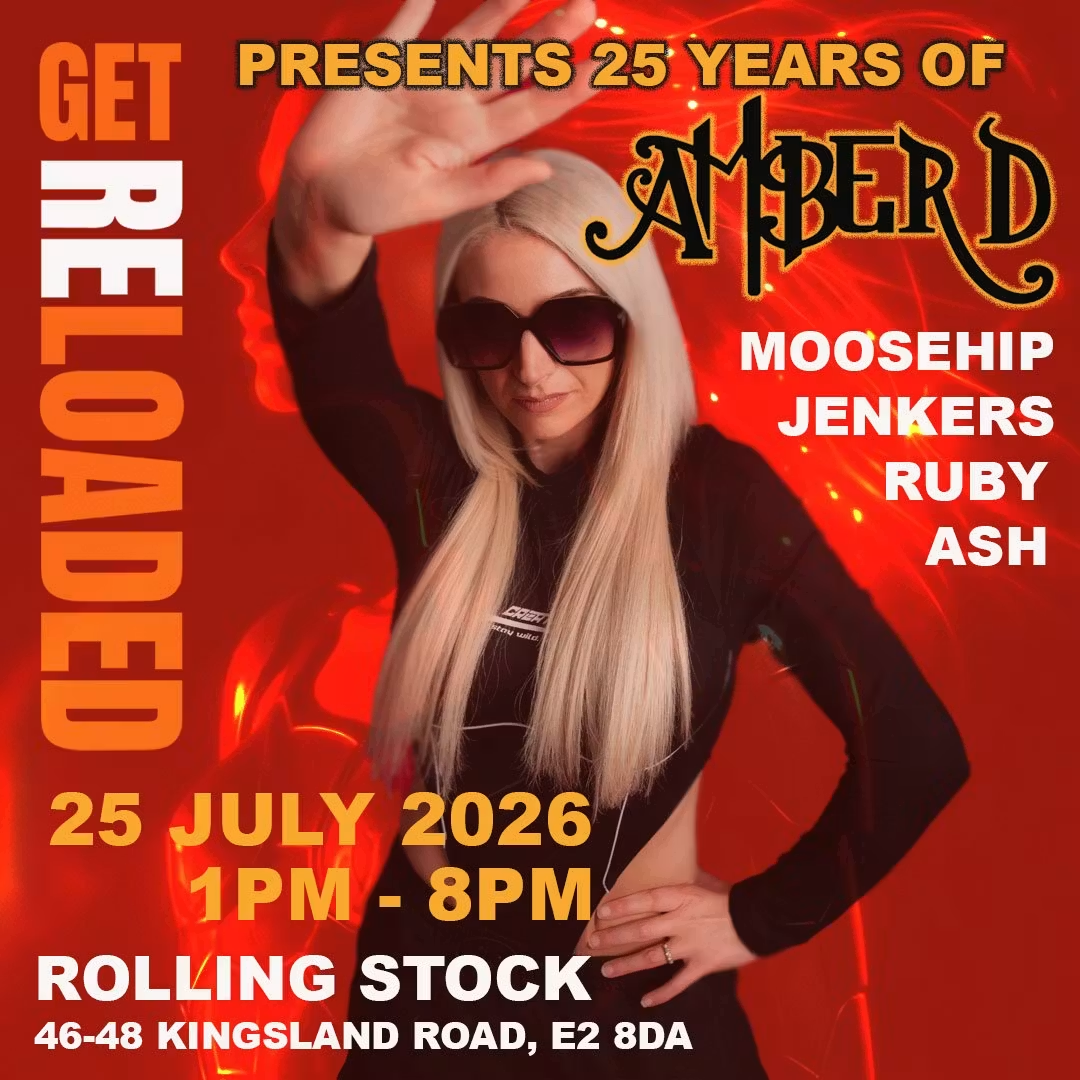
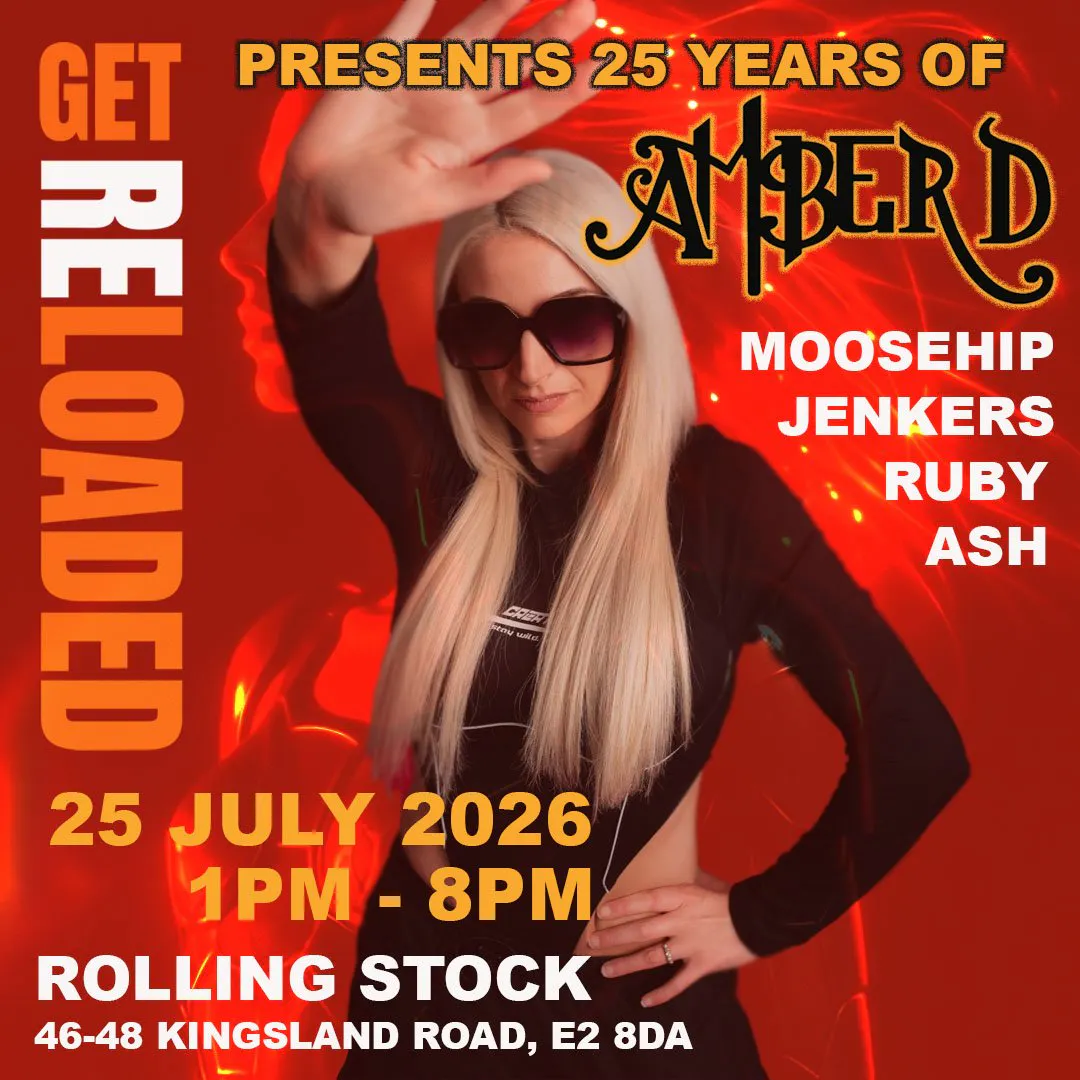
Get Reloaded presents 25 Years of Amber D

Event created by ClubTheWorld
Get Reloaded Presents: 25 Years of Amber D
Saturday Day Party | Rolling Stock, Shoreditch, London | 1:00 PM – 8:00 PM
Get Reloaded proudly presents a landmark celebration honouring one of hard house's most influential DJs.
25 Years of Amber D
Join us as we celebrate 25 years of Amber D with an exclusive 3-hour extended set, taking you on a journey through the music that has defined dancefloors for a quarter of a century.
No short sets. No compromises. Just three hours of pure hard house energy from one of the scene's true legends.
Music
Hard House • Hard Trance • Hard Dance
Line-up
Amber D (Exclusive 3-Hour Extended Set)
Moosehip
Ruby
Ash
Jenkers
An all-female lineup showcasing some of the finest talent in the scene.
Day Party
1:00 PM – 8:00 PM
Experience the energy of a daytime rave—big atmosphere, incredible music, and home in time for the evening.
Venue
Rolling Stock
Shoreditch, London
An intimate venue with a powerful sound system and a crowd that knows exactly why they're there.
Tickets
⚠️ Early Bird – £10 + Booking Fee (Sold Out)
🎟️ First Release – £15 + Booking Fee (On Sale Now)
🚨 Final Release – £20 + Booking Fee
Capacity is strictly limited, and once tickets are gone, they're gone.
Celebrate 25 years of Amber D with Get Reloaded and be part of a day that will go down in hard house history.
Flyer