
_461938.png)
_89d3ab.png)
_78ef2e_1903c3.png)
_78ef2e.png)
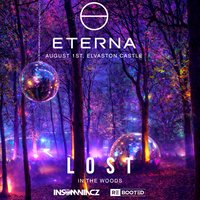
Eterna presents L O S T in the woods

Event created by ClubTheWorld
🌲
Deep in the woods, where nothing matters but the moment.
For one day, we leave everything behind.
No distractions.
No egos.
No outside world.
Just music, energy, and a crowd that came for the same reason.
We used to call it getting lost.
Before the phones. Before the hype.
When it was about the music… and the people in front of you.
This is a return to that feeling.
🎧 EXPERIENCE + MUSIC
Set within the woodland of Elvaston Castle, this is not a standard event.
Expect hidden stages, immersive lighting, and a journey through sound.
From euphoric trance through to deeper, high-energy late-night sets.
Carefully curated artists. No filler.
📵 PHONE POLICY
To protect the atmosphere, cameras will be covered on entry.
No filming. No distractions.
Be present. Be part of it.
Genres: Hard Dance, Hard House, Trance
Venue: Elvaston Castle Country Park, Derby
Event listing provided by Skiddle.
