
_461938.png)
_89d3ab.png)
_78ef2e_1903c3.png)
_78ef2e.png)
RollerDisco

Event created by ClubTheWorld
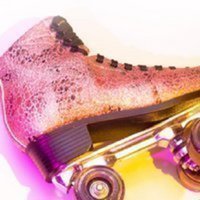
The Big One! Rollernation's flagship event featuring all the classic disco favourites and hits from the 70's/80's and 90's.
Don't forget that if bringing your own skates then either stoppers or jam plugs must be fitted at all times
DISCLAIMER
Roller Nation's Club Nights are strictly for ages 18 and over. Please don't forget to bring your IDs for proof. No outside food, drinks and chewing gum are allowed inside. Jam Plugs and Stoppers must also be fitted for anyone bringing their own skates.
Roller skating involves a risk of physical or emotional injury. By purchasing a ticket, you acknowledge and accept this risk and assume full responsibility for your own safety. To help ensure a safe environment for all, please follow the instructions of our marshalls and make use of the complimentary protective equipment available at skate hire. Individuals who do not adhere to the rules or compromise the safety of others may be asked to leave the premises without a refund.
By purchasing a ticket, you are agreeing to our terms and conditions.
Genres: 1970s, 1980s, 1990s, Disco, Disco House
Venue: Rollernation, London
Event listing provided by Skiddle.
