
_461938.png)
_89d3ab.png)
_78ef2e_1903c3.png)
_78ef2e.png)

Event created by ClubTheWorld
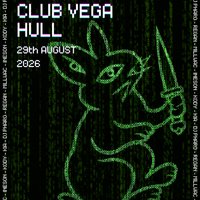
⚡ ORACLE TAKES OVER CLUB VEGA ⚡
Expect pounding rhythms, hypnotic melodies, immersive lighting, and a crowd united by a love for underground electronic music. From deep, rolling grooves to peak-time warehouse sounds, our DJs will take you on a journey from start to finish.
Whether you’re a seasoned raver or discovering techno for the first time, this is your chance to lose yourself in the music, connect with like-minded people, and experience the atmosphere that only a proper techno night can deliver.
🔥 Powerful sound system
🔥 Incredible lighting and visuals
🔥 High-energy DJs
🔥 Underground techno vibes all night long
Date: 29/8/26
Venue: Club Vega
Time: 9PM-3AM
Tickets are limited, so secure yours now and prepare for a night you’ll be talking about long after the music stops.
Genres: Techno
Venue: Club Vega, Hull
Event listing provided by Skiddle.
