
_461938.png)
_89d3ab.png)
_78ef2e_1903c3.png)
_78ef2e.png)
MODUL8 x Helen Frey - 100% Techno 0% Compromise

Event created by ClubTheWorld
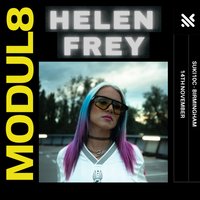
Following a sold out Birmingham debut earlier this year, Helen Frey returns to MODUL8 on Saturday 14th November for a special extended headline set at SUKi10c.
Her first appearance at MODUL8 exceeded all expectations. A packed room, incredible atmosphere and an unforgettable performance left many asking one question: when is she coming back?
The answer is now here.
Known for her high-energy blend of peak-time and hard techno, Helen Frey has quickly become one of the most exciting rising artists on the European scene. Her return to Birmingham offers another rare opportunity to experience her sound in the intimate underground surroundings of SUKi10c, where every kick drum, build-up and drop is felt exactly as intended.
With a capacity of just 150, this is not a festival stage or a large club room. It is a close-up underground experience built for those who come for the music first.
Expect relentless energy, driving rhythms and a longer headline performance from an artist who made a lasting impression on her first visit.
The previous event sold out in advance and demand for Helen Frey's return has been exceptionally strong.
Early ticket purchase is strongly recommended.
Genres: Techno
Venue: SUKi10C, Birmingham
More from The Dark Arch:
- MODUL8 x A*S*Y*S - 100% Techno 0% Compromise — 25 Sep 2026
Event listing provided by Skiddle.
