
_461938.png)
_89d3ab.png)
_78ef2e_1903c3.png)
_78ef2e.png)
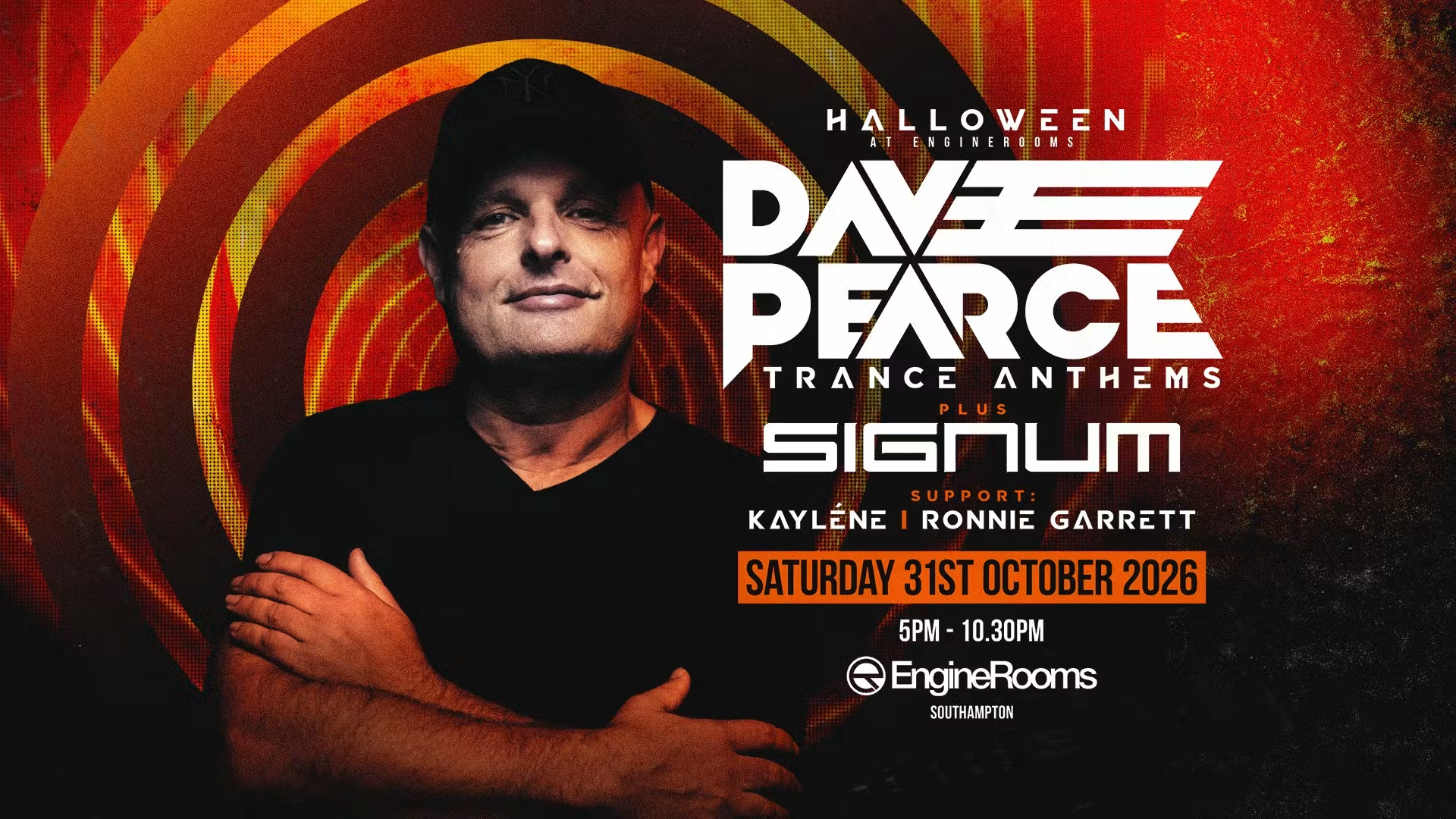
Dave Pearce Trance Anthems Halloween with Signum

Event created by ClubTheWorld
🎃 DAVE PEARCE TRANCE ANTHEMS HALLOWEEN 🎃
with special guest SIGNUM
📍 EngineRooms, Southampton
📅 Saturday 31st October 2026
🕔 5:00 PM – 10:30 PM
🎟️ Tickets from just £10
Get ready for a massive Halloween Trance Day Party as Dave Pearce brings his legendary Trance Anthems show back to EngineRooms Southampton for a spine-tingling night of euphoric dance music!
Joining Dave for this special Halloween edition is Dutch trance icon Signum, responsible for some of the most unforgettable anthems in trance history. Expect a soundtrack packed with uplifting melodies, hands-in-the-air moments and classic tracks that defined a generation.
From the biggest Trance Anthems and dancefloor classics to Halloween production and an electric atmosphere, this is the ultimate way to celebrate Halloween with fellow trance lovers.
🎧 Dave Pearce – Trance Anthems
🎧 Special Guest: Signum
🎃 Halloween Party Atmosphere
🙌 Classic & Uplifting Trance Anthems
🔊 Incredible Sound & Production
Whether you're reliving the golden era of trance or discovering these timeless classics for the first time, join us for an unforgettable Halloween celebration at EngineRooms.
Tickets start from just £10 – secure yours early and prepare for a night of pure trance magic!
Strictly 18+
Genres: Trance
Venue: EngineRooms, Southampton
More from Signum:
- Our House Fest 2026 — 1 Aug 2026
- Timescape Festival 2026 — 7 Aug 2026
- Rong Indoor Festival 2026 — 3 Oct 2026
Event listing provided by Skiddle.
