
_461938.png)
_89d3ab.png)
_78ef2e_1903c3.png)
_78ef2e.png)
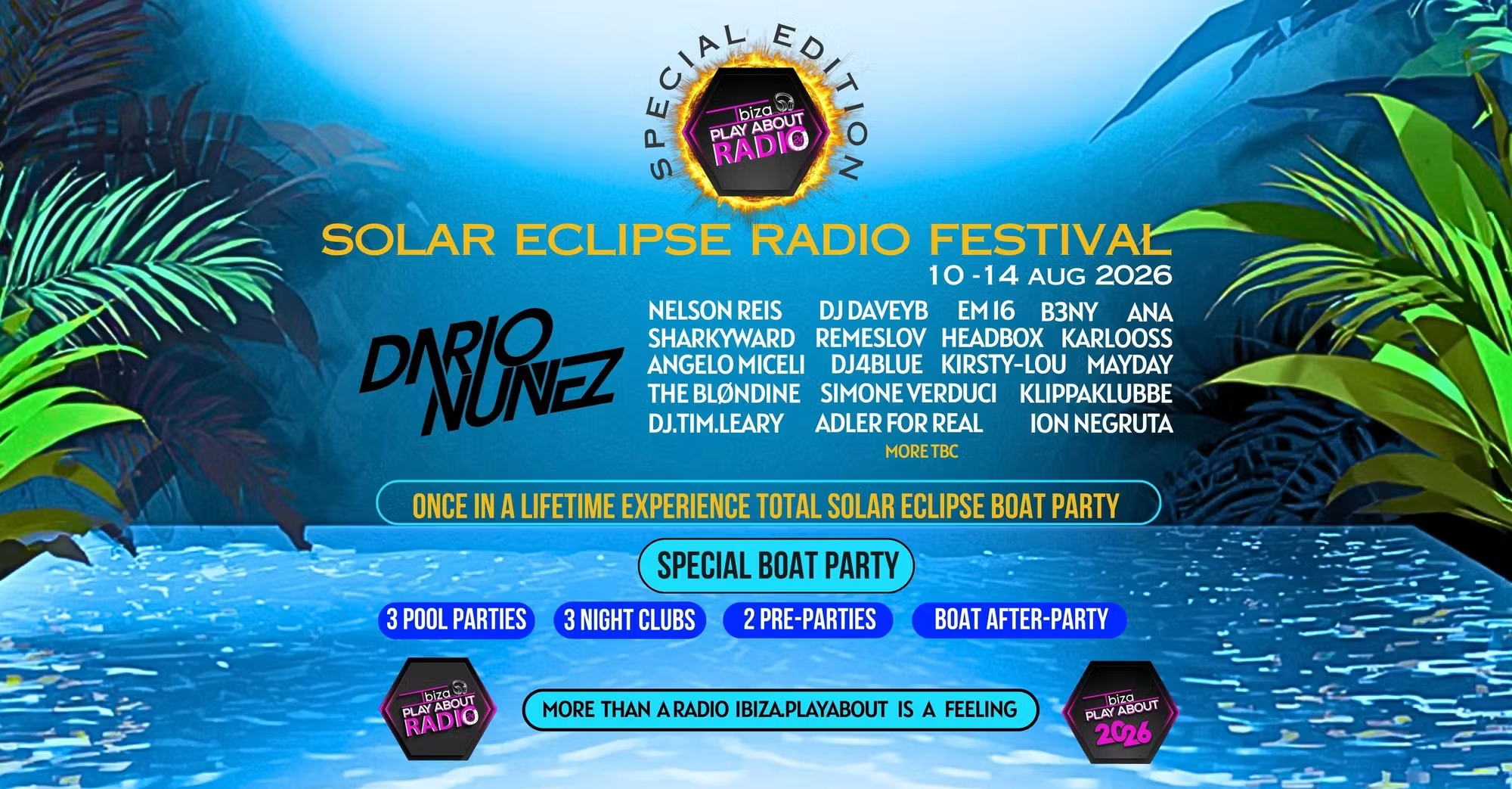

Event created by ClubTheWorld
Get ready for the most ICONIC event in the history of the White Isle! We are celebrating the explosive growth of Ibiza PlayAbout Radio with a 4-day odyssey that culminates in a total solar eclipse This isn't just a festival... it's a piece of HISTORY. For the first time in 27 years, a TOTAL SOLAR ECLIPSE is returning to Europe, and we have the front-row seats!
AUGUST 10 - 14, 2026 - 4 Days | 10 Events | Infinite Energy
THE MAIN EVENT: DARKNESS AT SUNSET
Wednesday, August 12 | 18:00 - 21:00 CET Picture this: You're on the open water, surrounded by the amazing Ibiza PlayAbout community. Just 30 minutes before sunset, the sky plunges into TOTAL DARKNESS. As the moon erases the sun, House Music legend Dario Nuñez provides the soundtrack to the shadows. It's pure cosmic magic at sea!
THE FULL TAKEOVER
We are taking over some of the island’s amazing venues: Pool Parties at Jet Apartments, Pre & After-parties at Es Paradis Bar, Takeovers of 3 Night Clubs, Pre-party at Irish Beach Bar.
THE ALL-INCLUSIVE WRISTBAND
This is your "All-Access" pass to the entire 4-day festival. For the price of a single night at some clubs, we're giving you the WHOLE ISLAND!
Don't just watch history happen-BE PART OF IT.
Grab your wristbands on our website and let's make incredible memories!
More than a Festival - Ibiza.PlayAbout is a Feeling!
Genres: House, Tech House
Venue: Various Venues, Ibiza, Ibza
Event listing provided by Skiddle.
