
_461938.png)
_89d3ab.png)
_78ef2e_1903c3.png)
_78ef2e.png)
Mexican Day of the Dead Boat party and free after party

Event created by ClubTheWorld
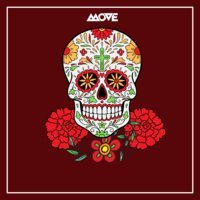
Halloween 2026: Dance or Die Boat Party
The days are getting shorter, the nights are getting longer, and Halloween is upon us once again. Bored of partying with the living? The choice is yours: dance or die.
Begin your surreal journey into the depths of the Mexican underworld, where you'll party with our deceased amigos. Your adventure starts at Crown Pier as we transform the River Thames into a spooky fantasyland.
What to Expect
Join us on a two-deck party boat as we cruise along the river, enjoying the famous London skyline and a fun crowd. Our face painters and DJs from the beyond will set the mood, spinning spooky Halloween vibes all night long. The boat returns to Westminster Pier at 12:00 AM, but the party doesn't end there!
Your ticket includes free entry to our official after-party, where you'll be joined by zombies, ghosts, and ghouls from our other events. We'll be keeping the Mexican Day of the Dead celebration going until the early hours of the morning.
Tickets & Groups
Don't wait! This is the time to buy before the price starts rising towards £45.
Got a group of six or more? We love groups! For birthday bookings or parties of six or more guests, please email bookings@summeroflovelondon.com for special discounts and custom packages.
Dare to join us?
Genres: Disco, House, Pop, R&B, Tech House
Venue: Crown Pier, London
Event listing provided by Skiddle.
