
_461938.png)
_89d3ab.png)
_78ef2e_1903c3.png)
_78ef2e.png)
Crush: End of Summer Session 2026

Event created by ClubTheWorld
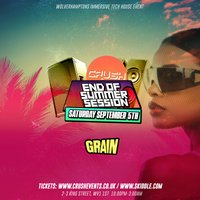
CRUSH Events Presents: The End of Summer Session 2026:
CRUSH are back in Wolverhampton at GRAIN!
Giving you that unique party experience and bringing you nothing but pure vibes and good times. CRUSH is your immersive experience that you cannot miss.
WHAT TO EXPECT:
The best in Tech House & Deep House all night - No slow movers - just pure energy
We're bringing confetti, lasers, smoke, inflatables, whistles, glow sticks - Expect a truly immersive rave experience.
RAVE READY!
Wear what feels right - No rules - Just bring the vibe and your ID too.
Vibe check: @crush_events_
LINEUP:
TBC
Genres: Deep House, House, Tech House
Venue: Grainstore Wolverhampton, Wolverhampton
Event listing provided by Skiddle.
