
_461938.png)
_89d3ab.png)
_78ef2e_1903c3.png)
_78ef2e.png)

Event created by ClubTheWorld
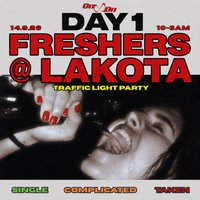
Start your university journey strong with the first night of Freshers.
After bringing unforgettable nights to Bristol and making our mark with sold-out events and festival collaborations, On&On returns with DAY ONE - the ultimate Freshers opening party, bringing thousands of students together for the first major night of the year.
Looking to meet new people, make new friends, or maybe even find a new fling? This is your chance. Wear your colour, show your status, and let everyone know what you're looking for:
🟢 Green - Single and ready to mingle
🟡 Yellow - It's complicated
🔴 Red - Taken
No coloured clothes? We'll have coloured wristbands.
Expect a full-scale Freshers takeover with multiple rooms, live performers, DJs all night, and an unforgettable crowd ready to celebrate the start of a new chapter.
Whether you're arriving with your flatmates, your course friends, or coming to meet new people, DAY ONE is where Freshers begins.
One night. Thousands of students. A fresh start.
📍 Bristol
📅 Monday 14 September
🎟️ Limited tickets - prices increase with every release.
Genres: House, UK Garage
Venue: Lakota, Bristol
Event listing provided by Skiddle.
